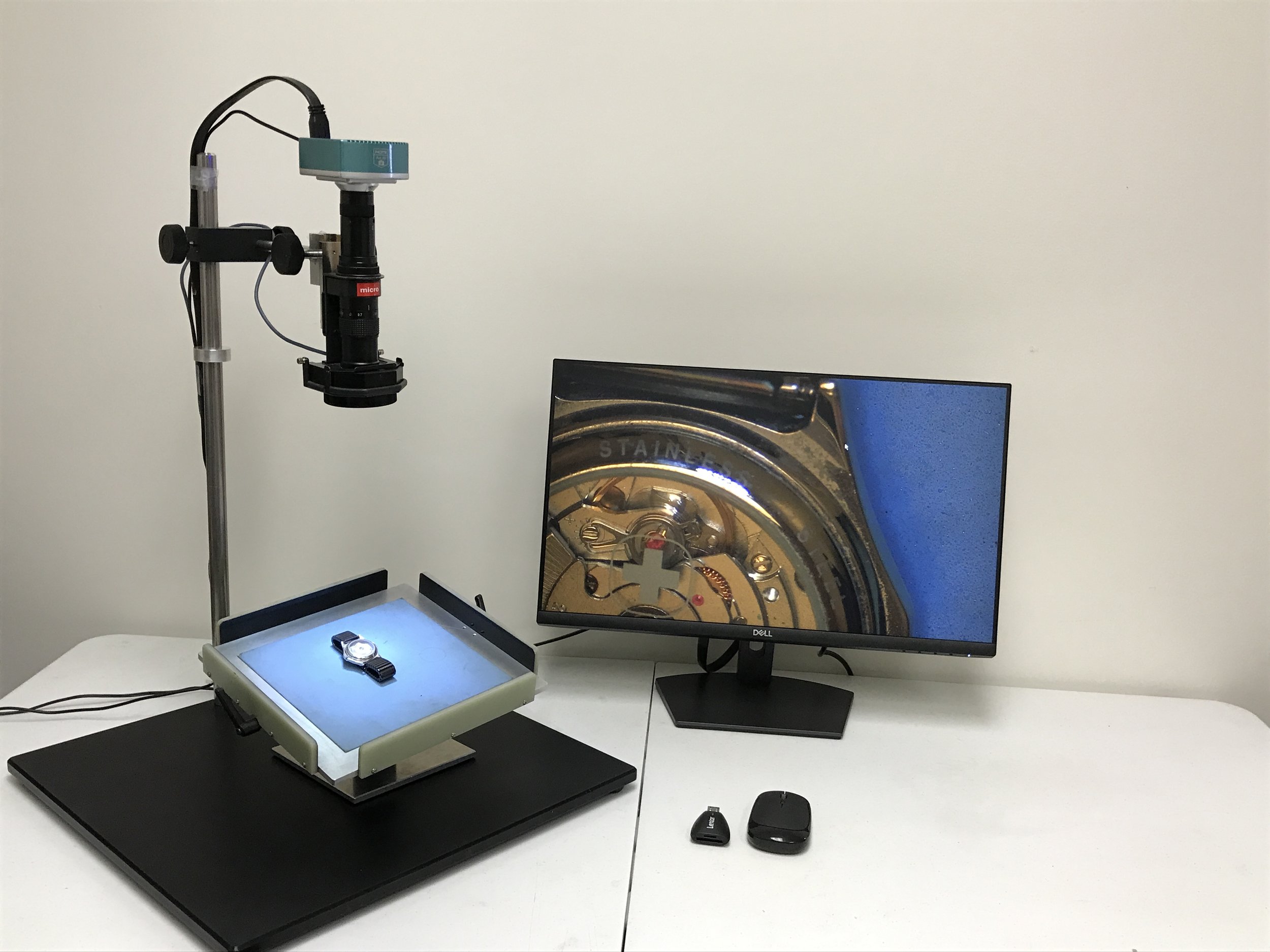
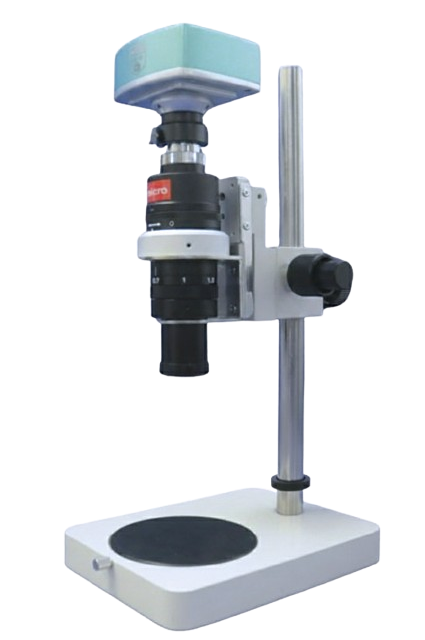
DS-50HD High Defintion Digital Microscope
| DS-50HD | |
|---|---|
| Camera | CMOS 2 million pixel FHD (1920x1080 pixels) |
| Output and Display | SD card slot supports 4GB to 32GB SDHC; HDMI and USB2.0 ports; Connect an FHD (1920x1080 pixels) compatible industrial or PC monitor. Televisions may not work. |
| Lense and Configuration Options | Magnification Rating (logarithmic magnification on a 22" monitor) |
|---|---|
| DS-50HD | 60x-420x, 94mm working distance |
| DS-50HD 0.5ADL | 30x-210x, 182mm working distance |
| DS-50HD 1.5ADL | 90x-630x, 44mm working distance |
| DS-50HD 2.0ADL | 120x-640x, 29mm working distance |
*Image software is sold separately.
Our High-definition Microscope with Excellent Image Quality and Smooth Image Movement
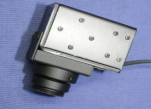
The DS-50HD is a powerful, highly customizable microscope with outstanding workability due to its long focus zoom lens, which allows for distance between the sample and the lens.
Features
Full high-definition microscope DS-50HD is equipped with a full high-definition camera (1920x1080 pixels).
Connect directly to a monitor without a computer via the HDMI port, allowing for less lag, higher image quality, fast display speed, and smooth image movement. Control via mouse with our USB 2.0 port.
Save images and videos directly to an SD card (supporting SDHC cards from 4 to 32 GB).
Connect to a computer (additional software necessary)via the USB 2.0 port.
The camera has convenient and useful functions:
Save (still image, video), playback (preview), and pause
Thumbnail image display
2-screen comparison
HDR (function to balance light and dark)
Electronic zoom
Displays: Cross Line, Black and White, Inverted (displayed live)
Image quality adjustment (exposure, color, contrast, sharpness, gamma, etc.).
Full high-definition microscope DS-50HD basic configuration (included in the standard price)
Microscope body
Stand (with up/down dial for coarse/fine movement)
USB 2.0 cable, HDMI cable, wireless mouse, AC adapter (for camera)
Instruction manual
Need a sales representative?
Additional Features and Specifications
Easy operation with wireless mouse
The DS-50HD full high-definition digital microscope has a high-performance camera. Various functions are displayed as icons at the bottom of the monitor screen. To operate, just click the icon with the attached wireless mouse. (Use the wireless mouse receiver connected to the camera of the full high-definition microscope) To select and operate each function, just click the icon displayed at the bottom of the monitor screen.

Save image
The SD card is installed in the camera section. You can easily save images and videos by clicking the camera icon at the bottom of the screen with a wireless mouse. Since you can press the save button without touching the microscope, you do not have to worry about the image blurring due to shaking during capture.


Image playback
This feature can be accessed at any time from the thumbnail screen. Simply click on any screen to instantly preview it.

2 screen display
You can display a live image and a saved image selected from thumbnails on a two-screen display. For example, in the inspection process, you can compare the image you are inspecting with the saved limit sample image.

Saved image / Live image
HDR (high dynamic range)
By widening the range of brightness of the camera, the difference between light and dark is balanced and the image is easy to see. This is effective for works in which light blurring (halation) easily occurs due to mixing of bright and dark areas.

Dark except for the HDR OFF terminal

HDR OFF - terminal block is blurred by light (halation)

The HDR ON terminal and other parts are visible in good balance.
Electronic zoom
You can enlarge up to 10 times with the electronic zoom. This is useful in combination with the optical zoom when you want to further increase the magnification, magnify instantly, or magnify without changing the lighting conditions.

No electric zoom

2x electric zoom
Line display
Up to 4 vertical and 4 horizontal lines can be registered at any position, color and thickness. 8 patterns can be registered. They can be used for positioning as cross lines, or as a simple scale, since any length between two lines can be registered.

Image quality adjustment
You can adjust the exposure and color of the camera. Exposure can be switched between automatic and manual. For example, reflective work is weakly illuminated, and lengthening the exposure can reduce reflection further.

Normal lighting causes light blurring (halation), making it difficult to see the surface.

Shoot longer by increasing the exposure time of the camera. Turn off the scope illumination and use only weak external light. Light blurring (halation) is suppressed, and the surface is easier to see.
USB connection
You can use the camera's USB terminal and connect it to your computer with the included USB cable.
Measurement software with image composition function (not included) available as options can further expand the application.

Leopard
Long focus zoom lens
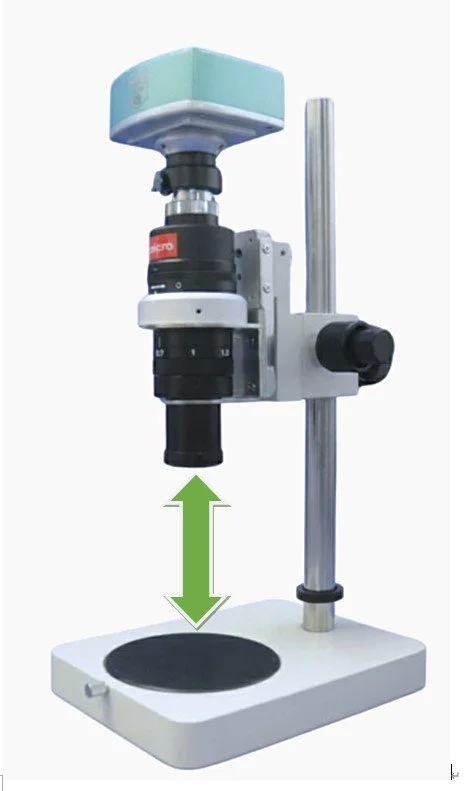
The distance between the observation object and the lens is 94 mm. Even when the observation object is placed directly under the microscope, there is enough space for the operator's hands. Various optional lights and stands are available. This space can accommodate optional equipment.
Adapter Lens Options
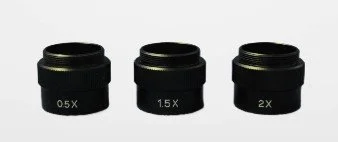
A thin 1x objective lens is attached to the tip of the microscope. By changing the optional adapter lens, the overall magnification can be changed by 0.5x, 1.5x, or 2.0x.
In addition, a lighting filter to suppress reflection and a stage that allows oblique observation are available, as well as other accessories. For more details, click here.
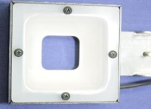
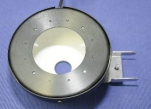
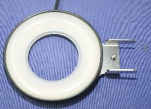
Lighting Options
Optimize your viewing and inspection with specialized lighting attachments.